#1 - 3 Blinking LEDs
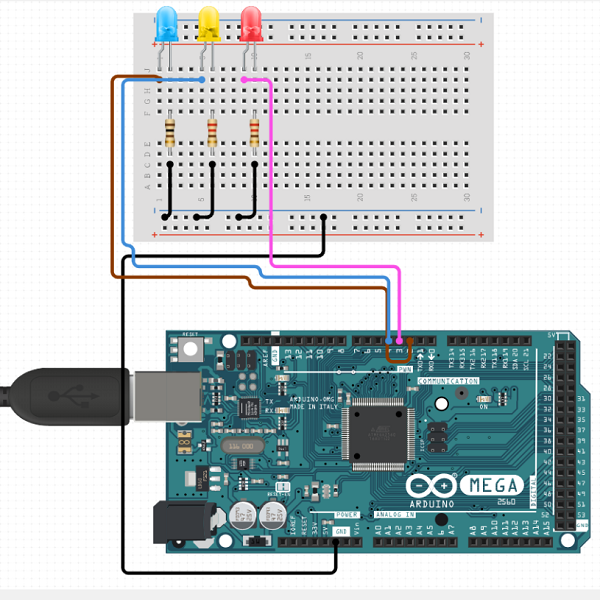
Description:
This was my very first attempt at creating a simple project using a Arduino.
With this project I wanted to learn more on how to use micro-controllers in projects and how they are used to manipulate electronic components. In this project the
micro-controller would turn on and off 3 different LEDs, all at different times for each LED to create a simple blinking animation.
Link for .Ino file:
If you want to test this project yourself or even modify it, just download the .ino file from the button below and connect the pins of the components
to the pins specified in the .ino file.
Click here
#2 - More Advanced LED Patterns
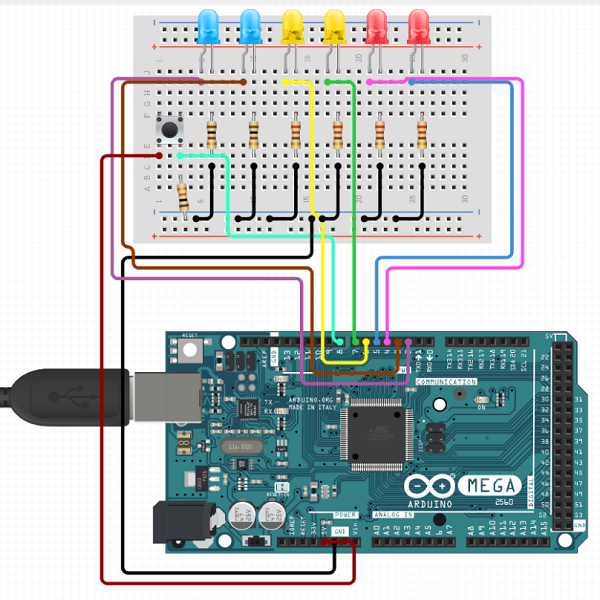
Description:
With help of the first Arduino project, I knew how to turn a few LEDs on and off and now I wanted to improve that concept by creating more than 1 animation and also make
the blinking animations smoother.
I wanted to add a button to change the different animations that were available (3 in total) each time you clicked it.
Link for .Ino file:
If you want to test this project yourself or even modify it, just download the .ino file from the button below and connect the pins of the components
to the pins specified in the .ino file.
Click here
#3 - Distance Mesurement
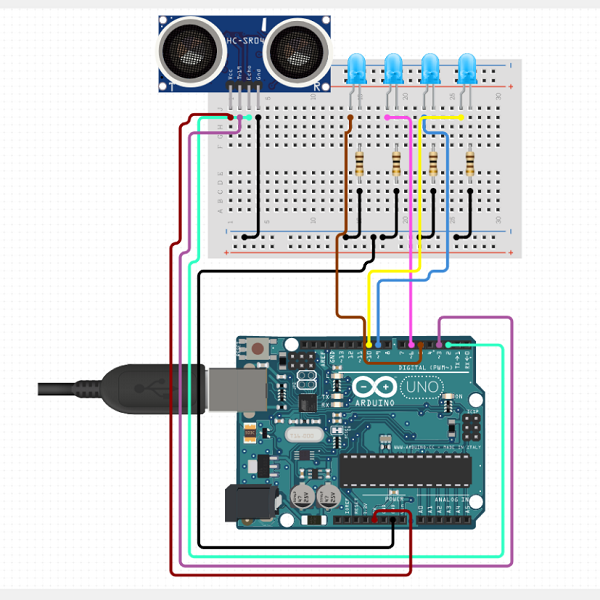
Description:
With this Arduino project I wanted to show how far away an obejct was by turning on Leds in sequence, depending on the distance
between a Ultra Sonic Distance Sensor and the object.
The closer you got to the sensor the more Leds would turn on. The further you were away the less Leds would be turned on.
Link for .Ino file:
If you want to test this project yourself or even modify it, just download the .ino file from the button below and connect the pins of the components
to the pins specified in the .ino file.
Click here
#4 - Controlling devices over WIFI
Description:
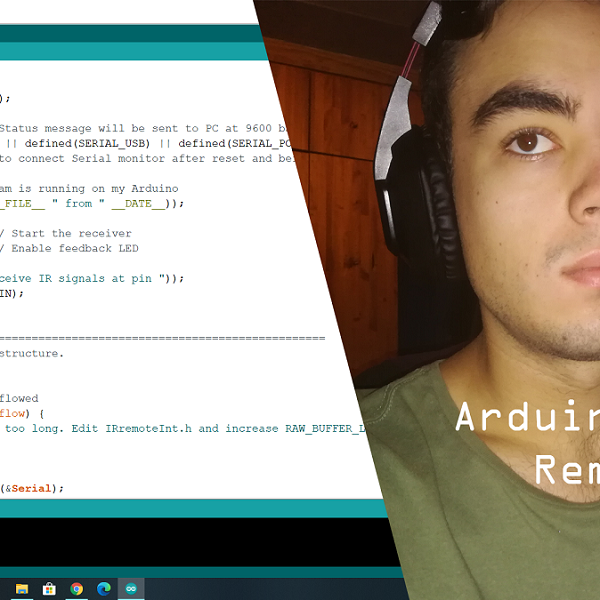
With this Arduino project I wanted replace my TV and Fan remotes that were used to turn my tv / fan on and off respectively, with my smartphone.
I connected a Wifi module to the micro-controller to allow it to recieve singles via WIFI from my smartphone, Telling the Arduino to send command signals
back to my fan or tv via IR communication (used by normal electronics in general). This basically created the opertunity to turn any device that used
a normal IR remote to be a smart device that can be controlled via your smartphone.
Link for the Youtube Video:
If you want to watch me create this project from start to finish and demonstrate how it actually works you can watch it on my Youtube Channel
by clicking on the button below.
Click here